Step-by-Step: How Document Generation Works
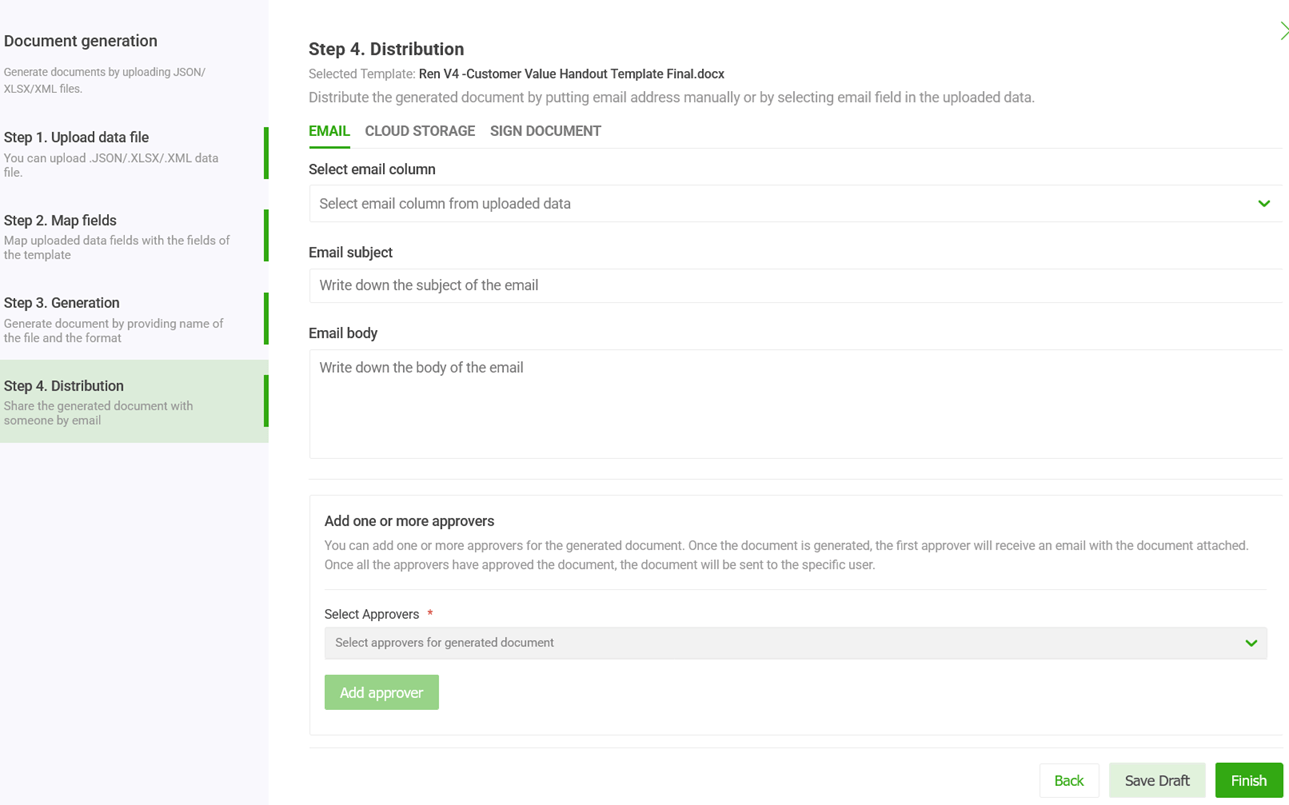
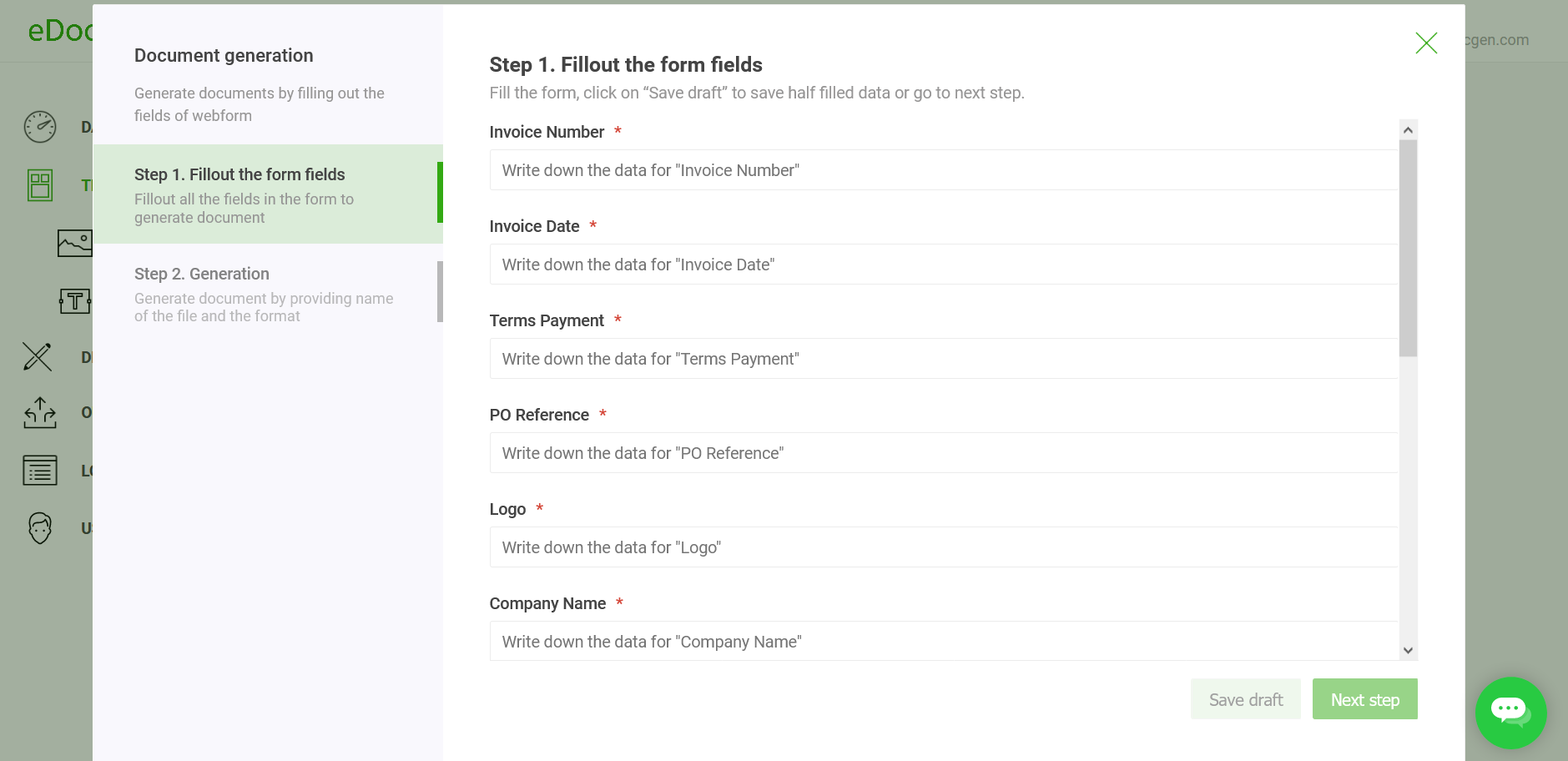
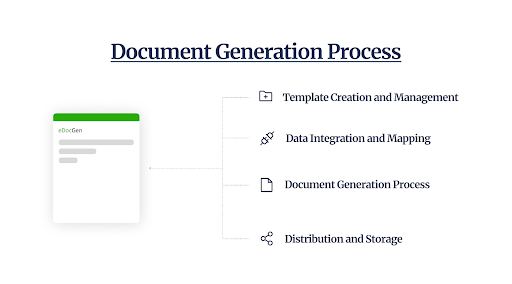
Follow the four steps below to go from an existing template to an automatically generated, distributed document.
What is a document template — and how do you build one?
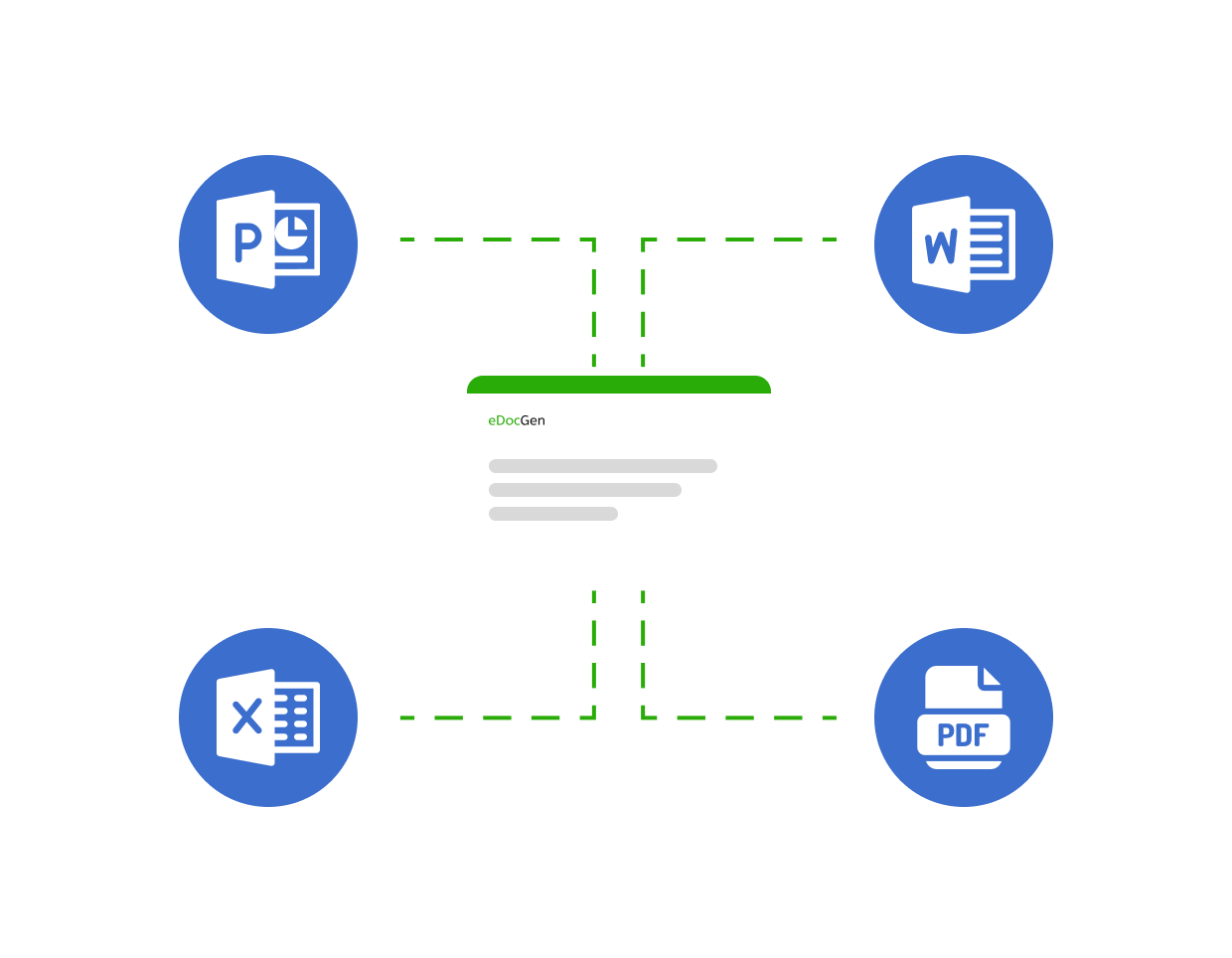
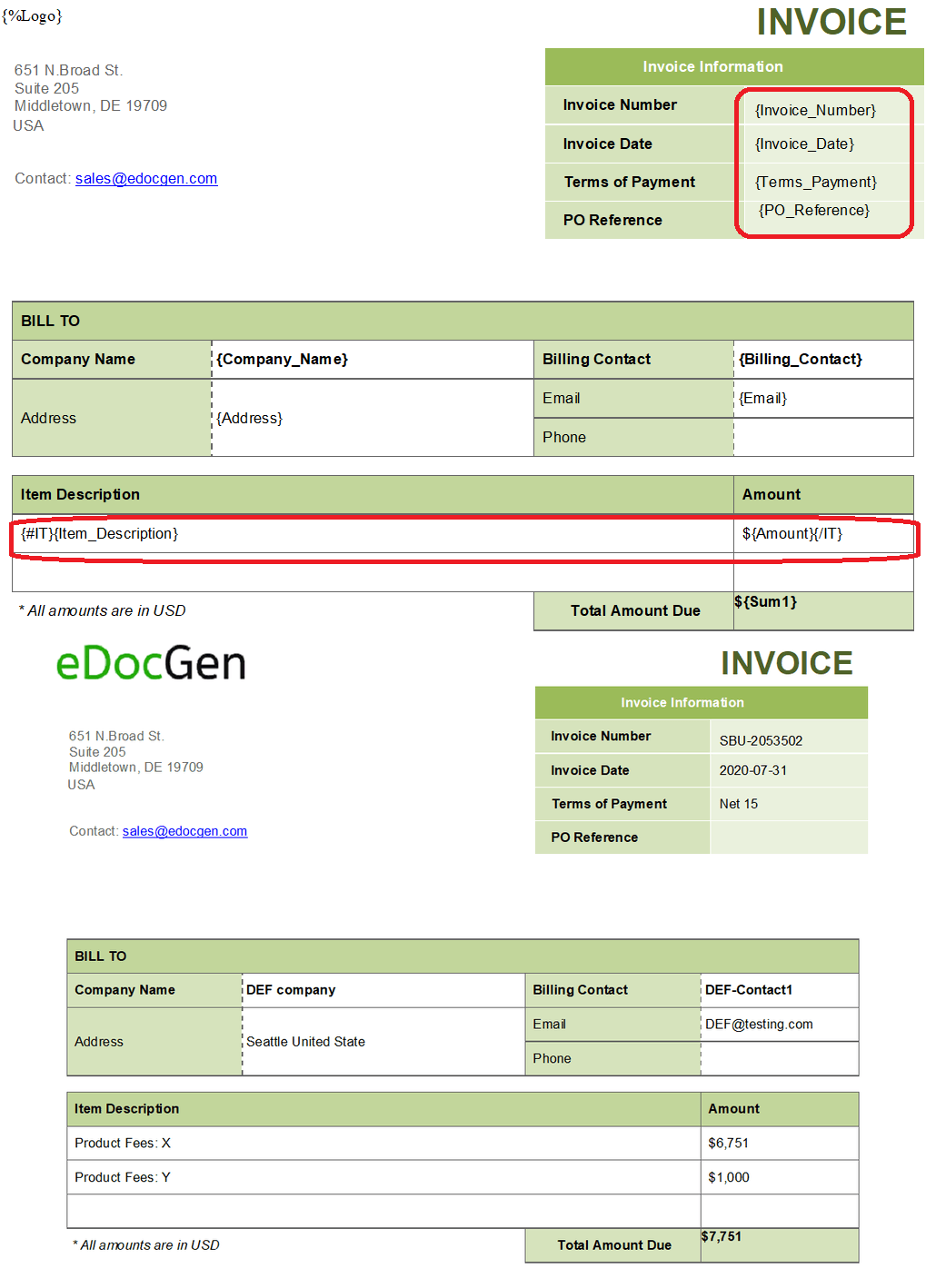
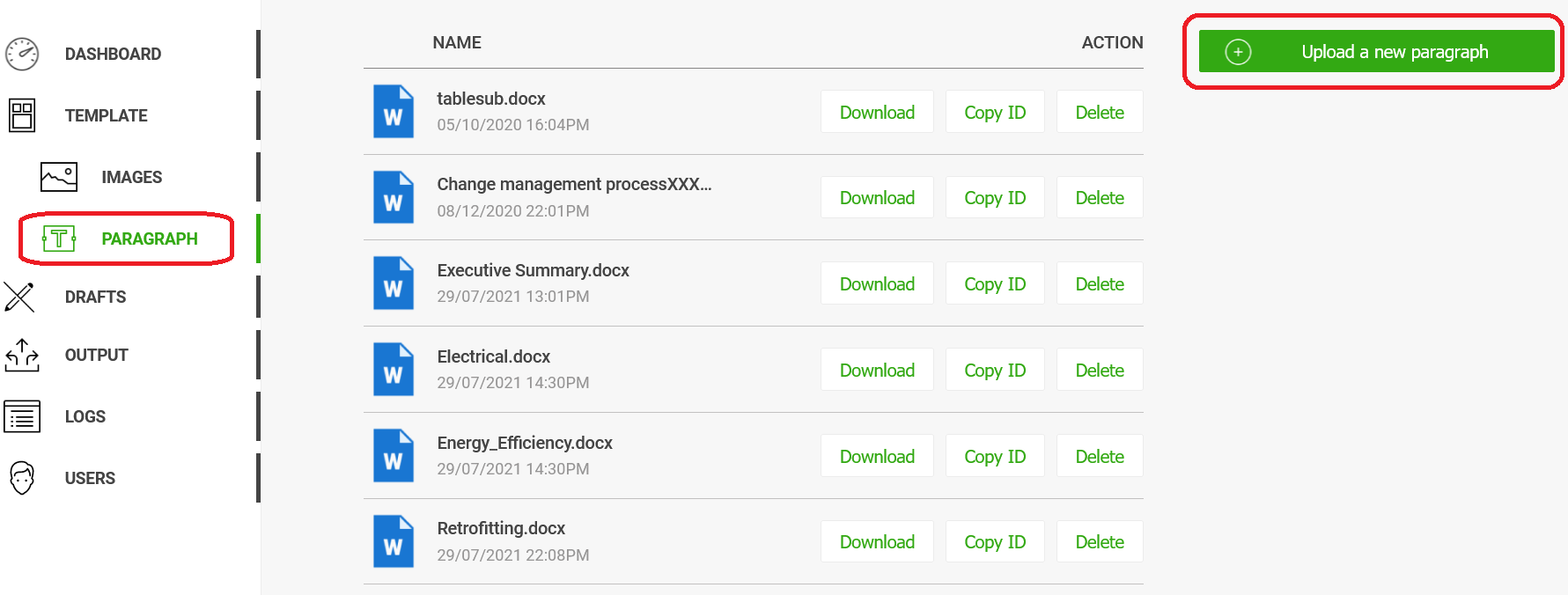
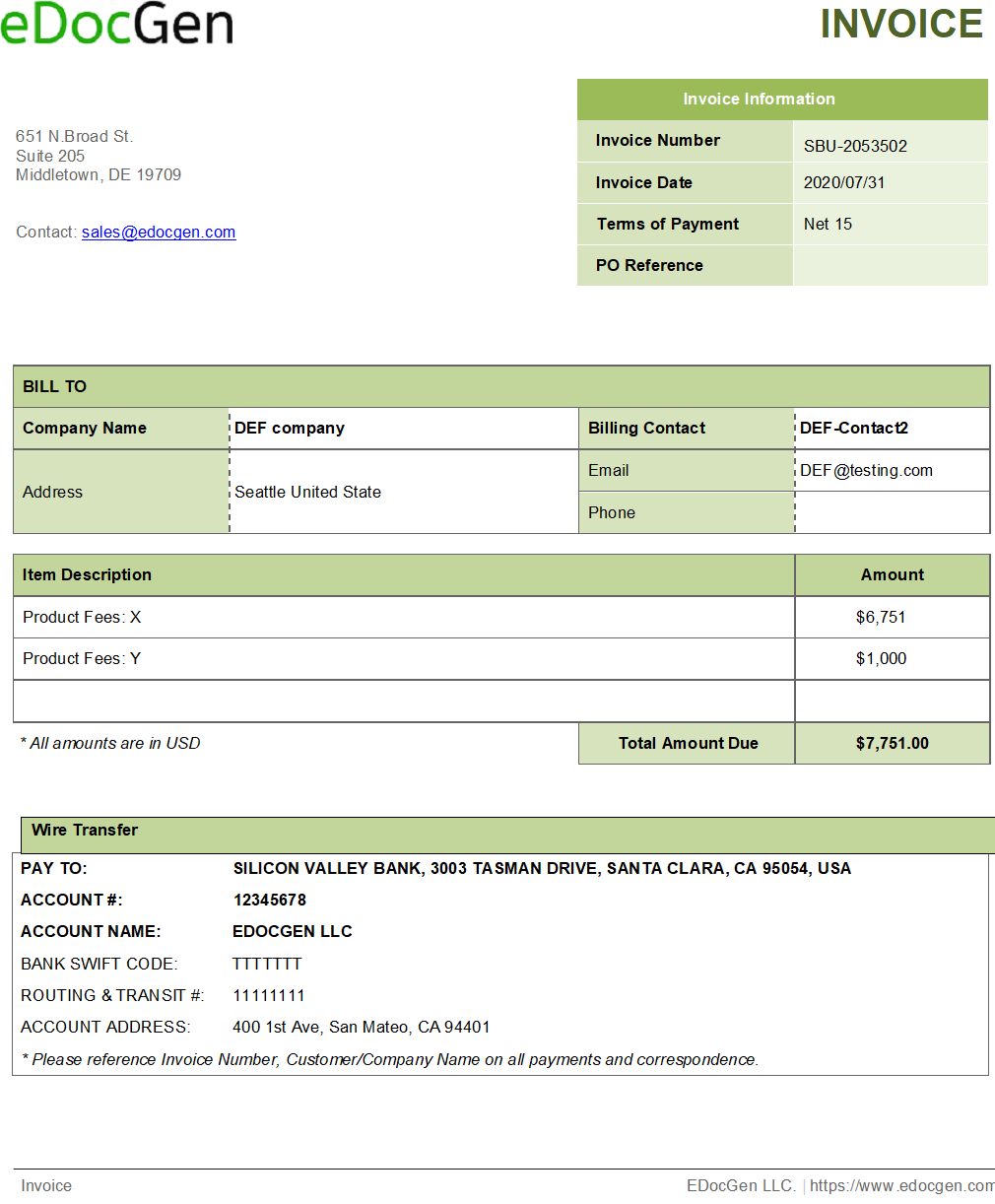
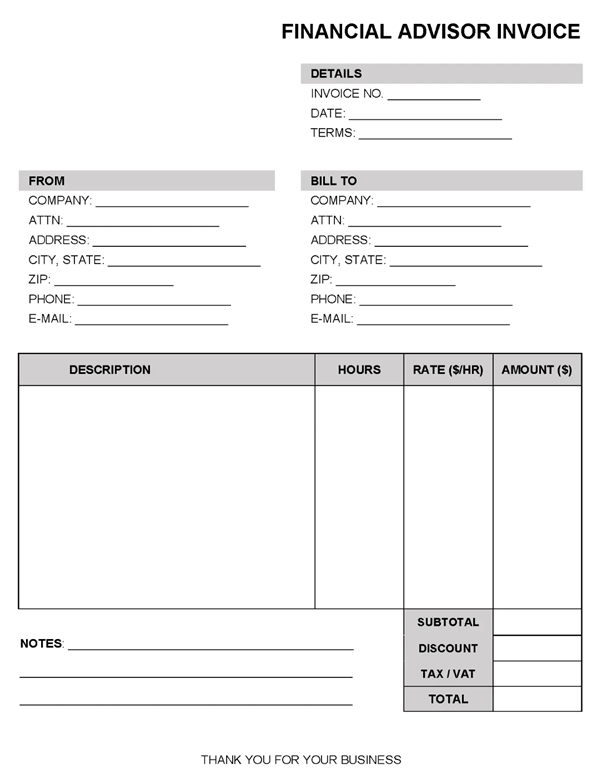
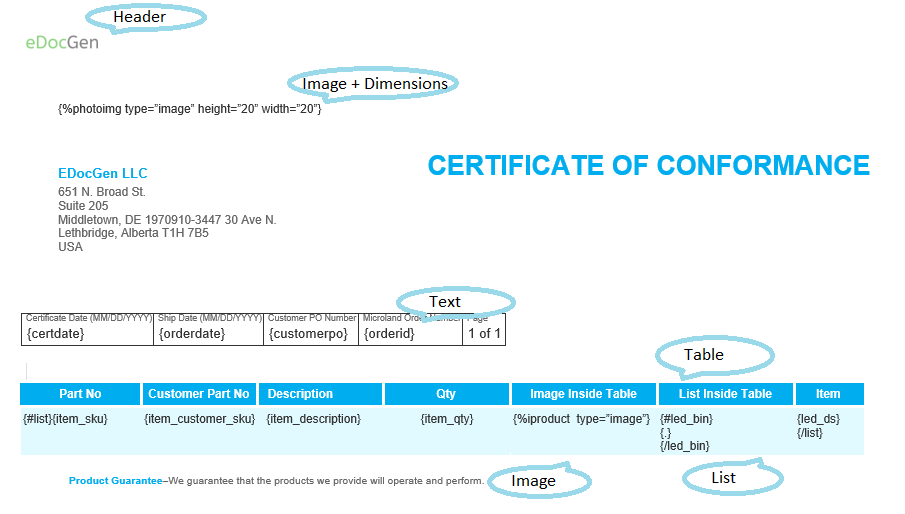
A document template is your existing Word, PDF, PowerPoint, or Excel file with dynamic field tags added wherever live data should appear. EDocGen uses a straightforward tag syntax:
{{CustomerName}} — Dear {{CustomerName}}, your order total is {{OrderTotal}}.
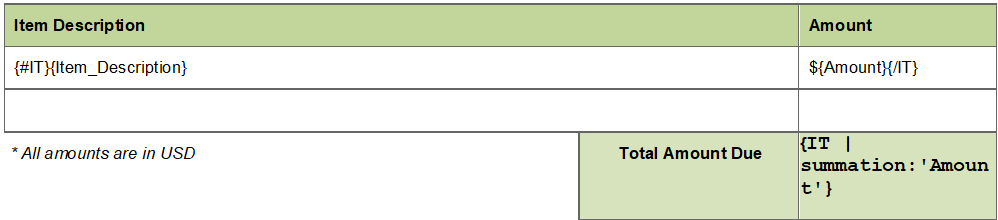
// Repeating table row (loop over line items)
{{#each LineItems}}
{{ProductName}} {{Qty}} {{UnitPrice}}
{{/each}}
// Conditional section
{{#if Discount}} Special discount applied: {{Discount}}% {{/if}}
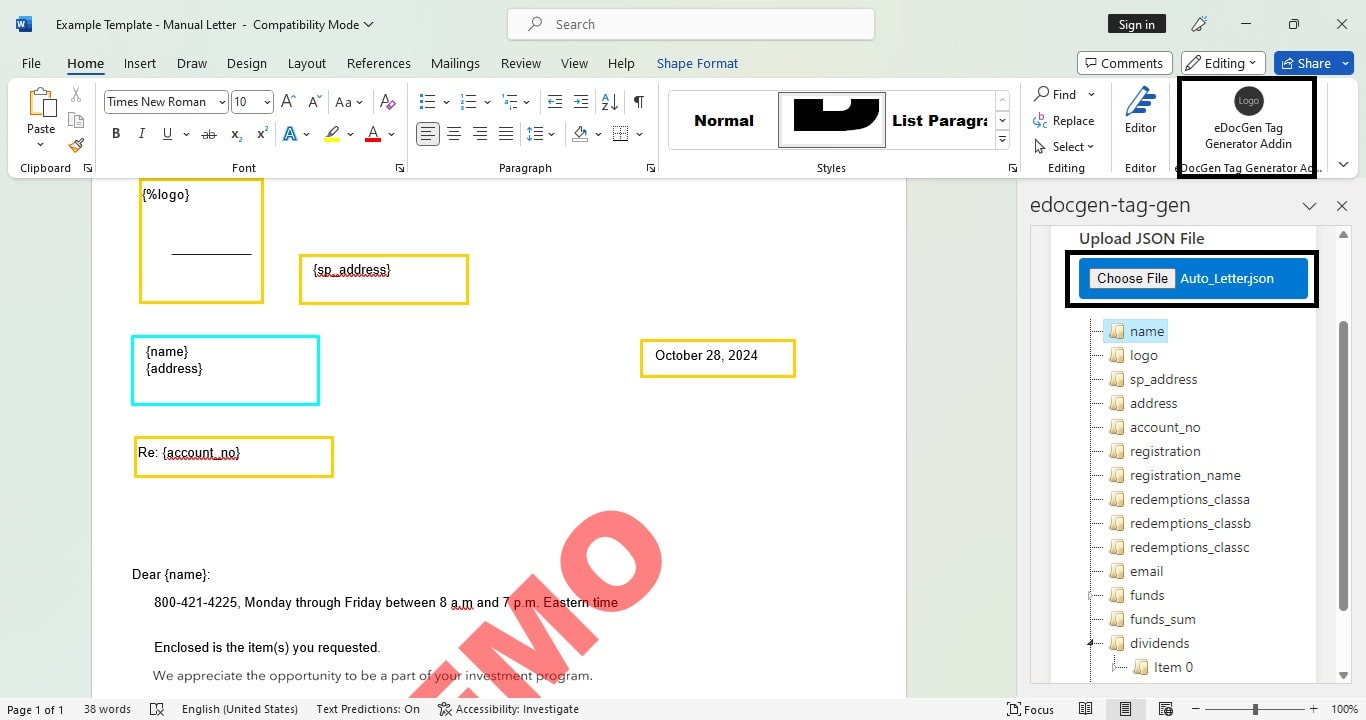
You never need to redesign your templates. Add tags in Microsoft Word, then upload. The EDocGen template builder and Word add-in guide you through the process.
Supported template formats:
→ Learn more: Template Builder Guide · Loops & Repeat Sections · Conditional Logic
What data sources can you connect?
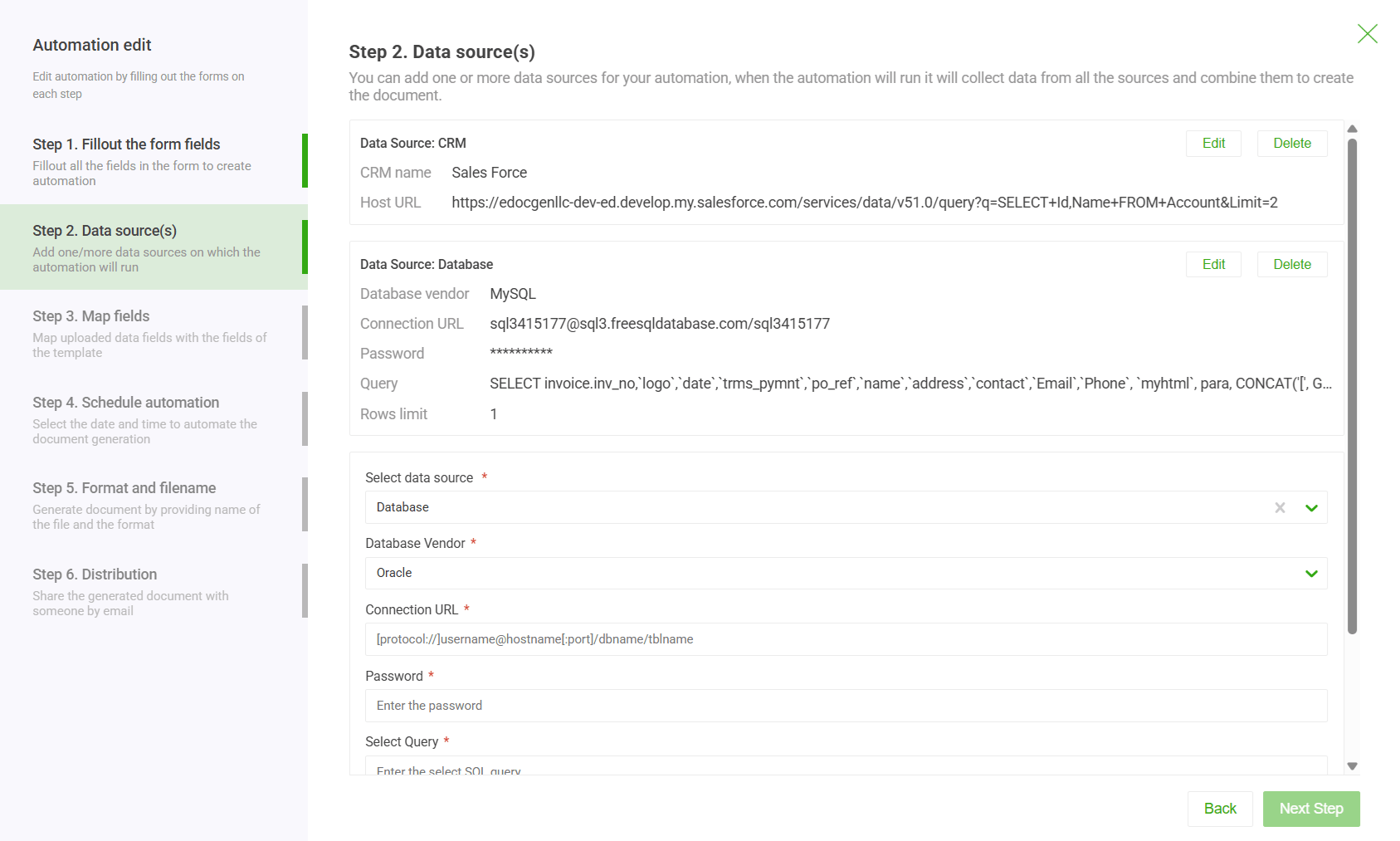
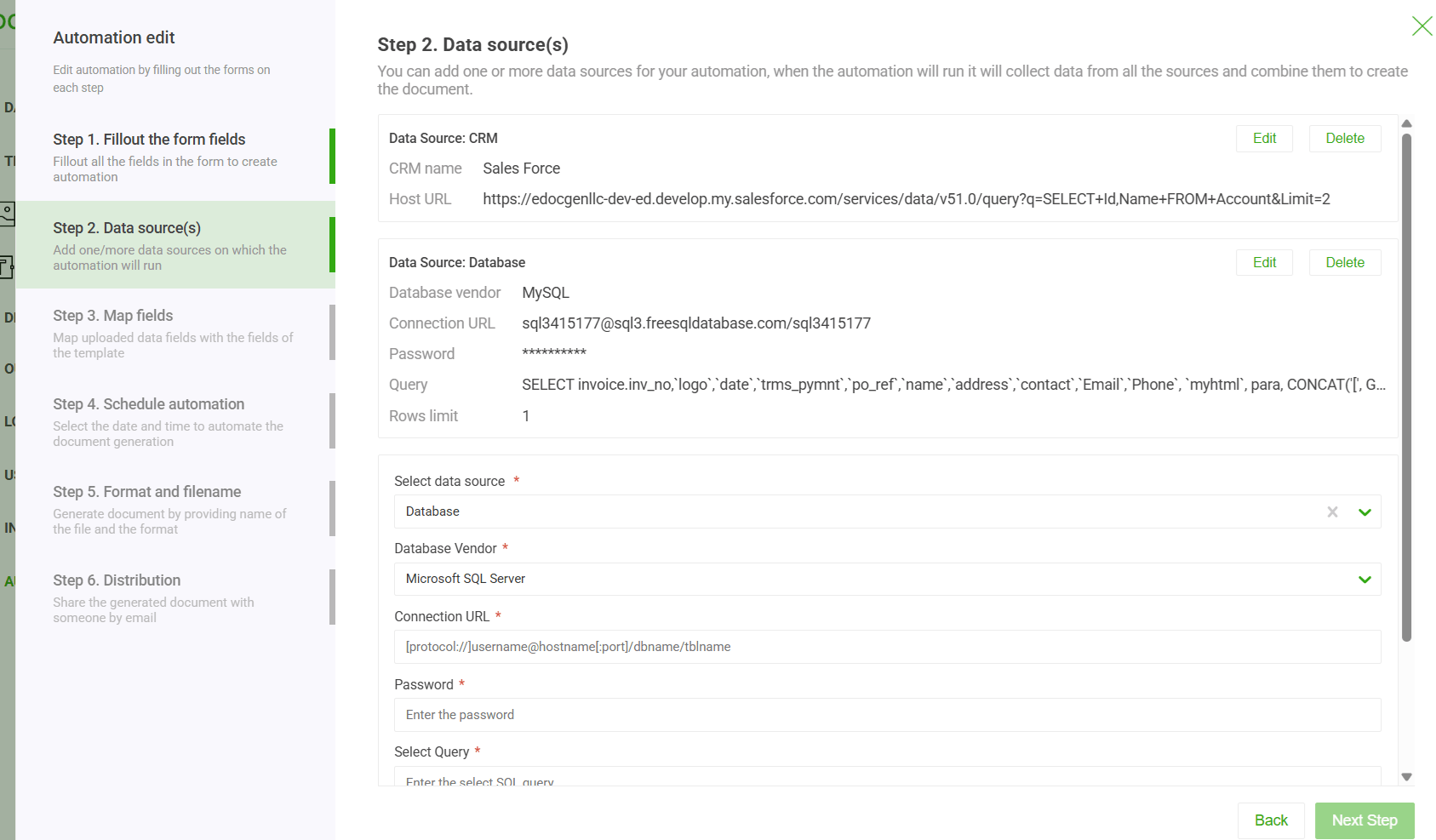
EDocGen connects to virtually every data source your business uses — no middleware required. Choose the source that fits your workflow:
📁 File-Based Sources
🗄️ Relational Databases
☁️ Enterprise Applications
🖥️ Interactive (Web Form)
→ See examples: JSON to PDF · Database to PDF · Salesforce Documents · Dynamics 365 Documents
How is the document generated — and in what mode?
EDocGen supports three generation modes depending on your use case:
A user triggers a single document from a web form or button click. Completed document is returned immediately.
Upload a bulk data file or run a database query to generate thousands of documents in one job. Results delivered as a ZIP or to cloud storage.
Trigger generation from any application via REST API. Integrate directly into your CRM, ERP, or workflow engine.
Here is a minimal API call to generate a document:
curl -X POST "https://api.edocgen.com/v1/document/generate" \
-H "Authorization: Bearer YOUR_API_KEY" \
-H "Content-Type: application/json" \
-d '{
"templateId": "invoice-template-001",
"outputFormat": "pdf",
"data": {
"CustomerName": "Acme Corp",
"OrderTotal": "$4,250.00",
"LineItems": [
{ "ProductName": "EDocGen Pro", "Qty": 1, "UnitPrice": "$4,250" }
]
}
}'
→ See API guide: Document Generation API · Python · C# · PHP
What output formats does EDocGen produce?
Every generation job produces a finished, ready-to-use document in your chosen format:
| Format | Use Case | Variants |
|---|---|---|
| Invoices, contracts, reports, compliance documents | Fillable (editable) · Flattened (locked) · Print-ready PCL5/PostScript | |
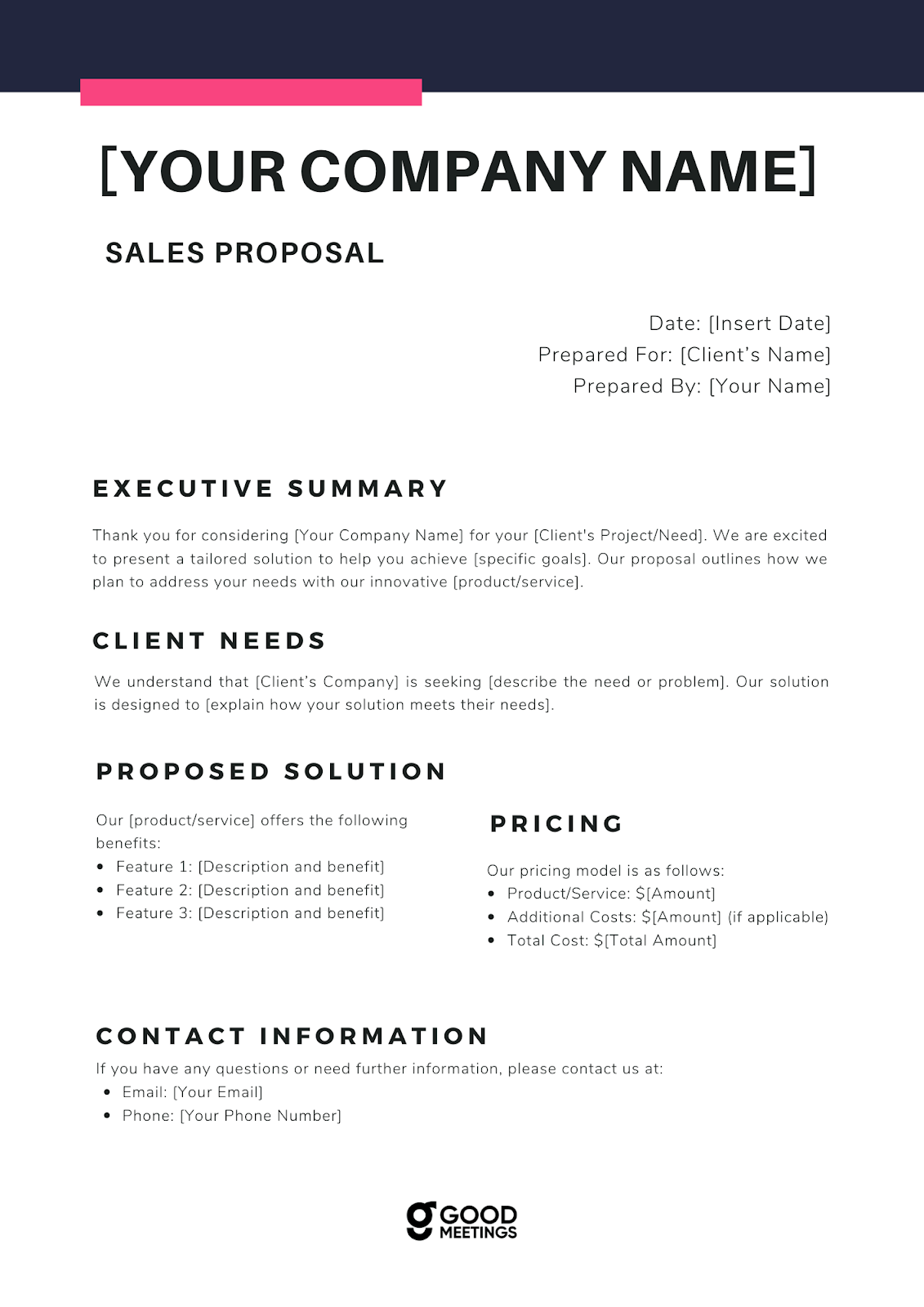
| Word DOCX | Letters, proposals, agreements, onboarding packs | Standard DOCX · Editable after generation |
| PowerPoint PPTX | Sales decks, board reports, property presentations | Single slide · Multi-slide from data arrays |
| Excel XLSX | Financial reports, data exports, bulk statements | Single sheet · Multi-sheet · Formulas preserved |