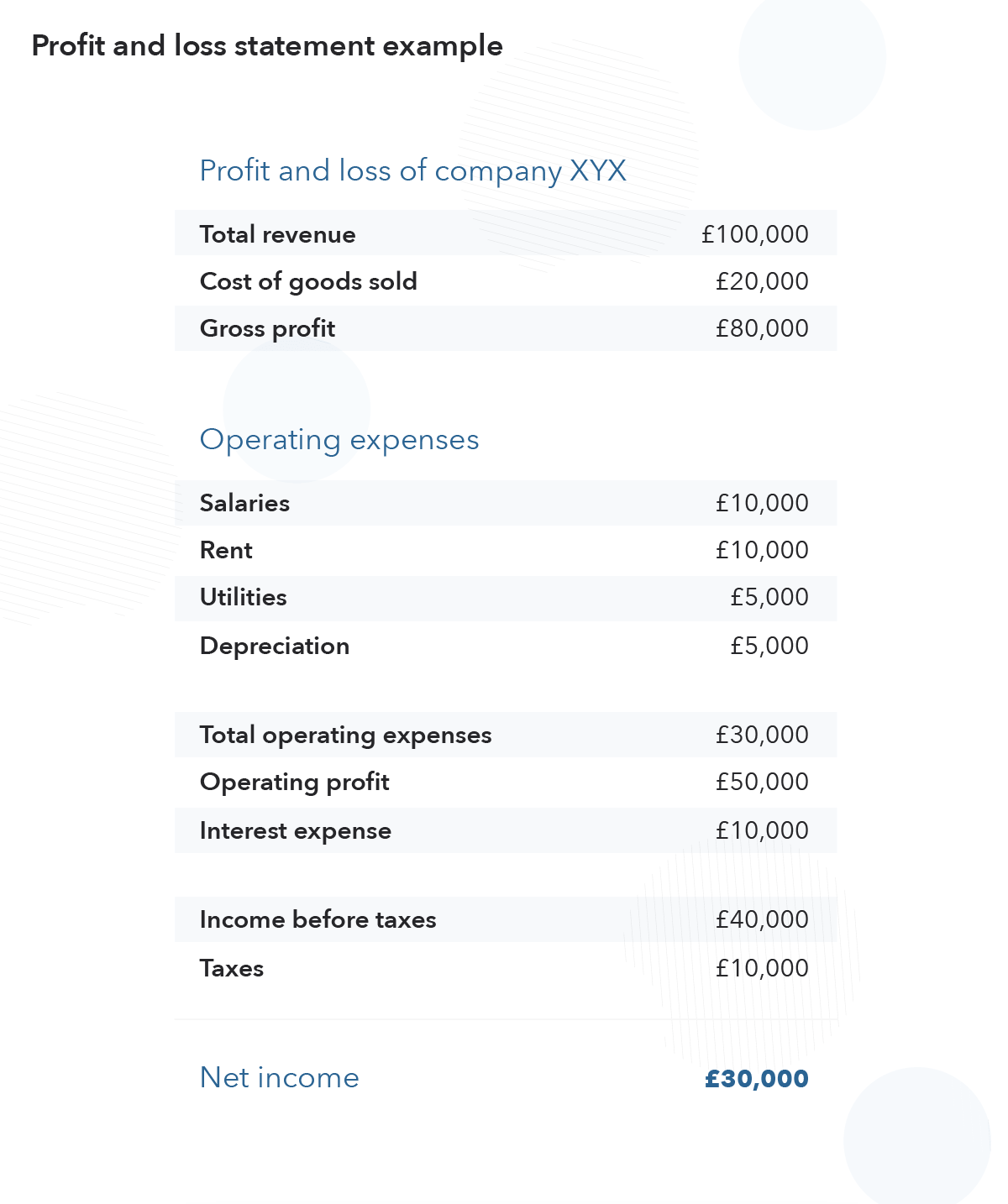
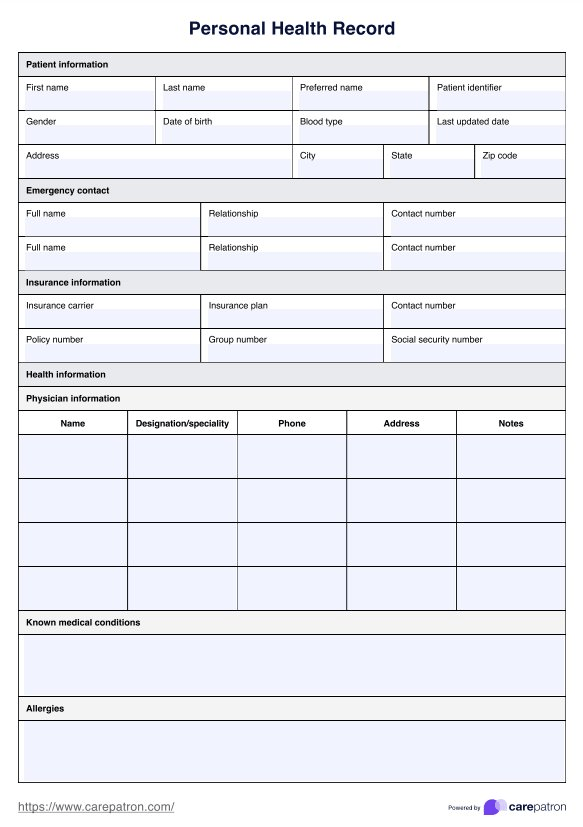
when you think about creating documents from complex, unstructured data—like that one
messy PDF, Word file, or sprawling Excel sheet—what comes to mind? Probably hours of
tedious manual work, endless copy-pasting, and the constant dread of a costly typo.
You shouldn't have to manually pull data from PDFs and documents into your templates
anymore. Imagine instead harnessing automation to flawlessly transform all that mixed,
inconsistently formatted data (yes, even the merged cells and free-text sections!) into
perfectly crafted business documents.
Whether you're generating detailed financial reports, comprehensive
legal agreements, extensive product catalogs, or personalized training
manuals, the need for both structure and subtle variation is often
paramount.
This is where the magic of intelligent document generation with the EDOcGen system
truly shines. We empower you to move beyond rigid structured data and embrace a
more flexible and dynamic approach.
This comprehensive guide will explore the intricacies of intelligent document automation, its benefits, key technologies, and practical applications across various industries. We'll also explore how solutions like EDocGen lead the charge in this transformative field.
What is Intelligent Document Automation?
Intelligent document automation uses advanced technologies to automate the document creation from both structured and unstructured data.
It encompasses everything from creation to distribution, and storage.
Unlike traditional document automation, which often relies on rigid data formats and rule-based systems, intelligent automation adapts to varying document structures and content. It can understand context, extract relevant information from unstructured data, and make decisions based on learned patterns.
Key Features of Intelligent Document Automation
Advanced data extraction: Ability to pull information from various sources, including unstructured documents.
Contextual understanding: Comprehension of document content beyond simple keyword matching.
Predictive analytics: Anticipation of document needs based on historical data and current trends.
Continuous learning: Improvement of processes over time through machine learning algorithms.
The power of intelligent document automation lies in its ability to replicate human tasks and enhance them. It reduces errors, increases speed, and allows for a level of customization and scalability that manual processes simply cannot match.
How Does Intelligent Document Automation Work?
Intelligent document automation streamlines the entire document lifecycle through a series of interconnected steps. Each stage leverages advanced technologies to enhance efficiency, accuracy, and adaptability. Let's break down this process:
1. Template Creation
The foundation of intelligent document automation lies in smart, flexible templates. Unlike traditional static templates, these are dynamic and adaptive:
Design using familiar tools or specialized template designers
Incorporate placeholders for variable data
Embed conditional logic to handle different scenarios
Include formatting instructions for consistent output
2. Data Preparation
Intelligent automation thrives on data. This step involves gathering and structuring the necessary information:
Structured data approach: Prepare data in formats like XML, JSON, or Excel
Data source integration: Connect directly with databases or business applications
Intelligent data mapping: Automatically match input data to template fields
3. Workflow Engine Configuration
The workflow engine acts as the orchestrator of the entire document automation process:
Define document lifecycle stages and transitions
Configure business rules and approval hierarchies
Set up automated triggers and notifications
Establish parallel and sequential processing paths
Create conditional workflows based on document type or content
Enable real-time monitoring and status tracking
4. Intelligent Document Generation
This is where the magic happens. The system combines templates with data to create personalized documents:
Apply conditional logic to determine document content and structure
Populate dynamic content based on input data
Perform automated data validation and error correction
Generate documents in various formats (PDF, Word, HTML, etc.)
5. Review and Approval (Optional)
For documents requiring oversight, intelligent systems can facilitate efficient review processes:
Automatically route documents to appropriate reviewers
Highlight areas needing attention
Integrate with e-signature tools for quick approvals
Track document status and send reminders
6. Distribution and Storage
Once finalized, documents are distributed and archived intelligently:
Multi-channel distribution (email, print, web portal, etc.)
Smart archiving systems for easy retrieval
Metadata tagging for improved searchability
Version control and audit trails for compliance
Generating Large, Dynamic Documents with EDocGen
Imagine this: you have a 300-page property assessment report. While the core
sections – property details, valuation methodology, comparable sales, risk
assessment, and appendices – remain consistent, the content within
each section needs to reflect the unique characteristics of the property.
Furthermore, you might want to introduce a degree of visual variation – the
placement of property photos, the specific charts used to illustrate data,
or even subtle differences in formatting to make each report feel distinct
yet professionally aligned.
The Power of Templated Frameworks with Built-in Variability
Our platform allows you to establish robust document templates that define
the overall structure and core content of your large documents. Think of it
as a blueprint with designated areas for information. However, unlike static
templates, the system enables you to inject variability in several key ways:
Data-Driven Content: Connect your templates to diverse
data sources – databases, spreadsheets, APIs – to automatically populate
sections with relevant and unique information. For our property
assessment example, each report would pull specific details about the
address, square footage, construction year, and past sales directly from
your property database.
Conditional Logic and Rules: Implement "if-then" rules
to dynamically include or exclude specific sections, paragraphs, or even
individual sentences based on the underlying data. A risk assessment
section might include additional clauses only if certain risk factors
are identified.
{{#if user_tier == "premium"}}
   Insert 3 interactive charts
{{else}}
   Show 1 static chart + data table
{{/if}}
Randomized Elements within Constraints: The placement of images, charts and graphs
within predefined zones could be randomized to a degree, ensuring visual
variety without compromising the overall layout.
Modular Content Blocks: Create reusable content blocks
for specific information (e.g., legal disclaimers, standard
definitions). While the content within these blocks remains consistent,
their order or the specific blocks included could be varied based on
pre-defined rules or even a degree of controlled randomness.
Dynamic Formatting: Define rules for applying different
formatting styles based on data values or random selection from a set of
approved styles. This could involve varying the color palette of charts
or the emphasis applied to key figures.
Benefits of Implementing Intelligent Document Automation
Intelligent document automation offers a wide array of benefits that can significantly impact an organization's efficiency, accuracy, and bottom line. Let's explore the key advantages:
1. Drastically Reduced Document Creation Time and Increased Productivity
Automation can reduce document creation time by up to 80%, allowing employees to focus on higher-value tasks.
A Fortune 500 company reported a 65% reduction in time spent on document-related tasks after implementing intelligent automation.
By streamlining repetitive tasks, businesses can reallocate human resources to more strategic activities, driving innovation and growth.
2. Near-Elimination of Errors Through Accuracy Checks
Human errors in document creation can be costly. Intelligent automation minimizes these risks:
Automated systems can reduce error rates by up to 90% compared to manual processes.
A financial services firm reported a 99.9% accuracy rate in document processing after implementing intelligent automation, up from 96% with manual methods.
This increased accuracy not only improves operational efficiency but also enhances customer trust and satisfaction.
3. Significant Reduction in Operational Costs
By automating document-intensive processes, businesses can substantially reduce operational expenses:
Companies have reported cost savings of 60-80% in document processing after implementing intelligent automation.
A healthcare provider reduced its document management costs by 72% within the first year of adopting an intelligent automation solution.
These cost savings can be reinvested in core business activities, driving growth and competitiveness.
4. Unparalleled Scalability Through Intelligent Resource Allocation
Intelligent document automation enables businesses to handle increasing document volumes without proportional increases in resources:
Automated systems can typically handle a 10x increase in document volume without additional staffing.
A retail company managed a 300% increase in order processing during peak season without hiring additional staff, thanks to intelligent automation.
This scalability allows businesses to grow and adapt to market demands without the constraints of manual document processing.
5. Enhanced Compliance and Reduced Legal Risks Through Intelligent Monitoring
In highly regulated industries, compliance is crucial. Intelligent automation helps maintain regulatory adherence:
Automated systems can reduce compliance-related risks by up to 75% by ensuring consistent application of rules and regulations.
A financial institution reported a 90% reduction in compliance-related incidents after implementing intelligent document automation.
By maintaining accurate records and ensuring consistent processes, businesses can significantly mitigate legal and regulatory risks.
6. Improved Customer Experience Through Personalized, Timely Communication
Intelligent document automation enables businesses to deliver personalized, relevant communications to customers:
Companies using intelligent CCM systems have reported up to a 25% increase in customer satisfaction scores.
A telecommunications company saw a 15% increase in customer retention rates after implementing personalized, automated communications.
By delivering timely, relevant, and personalized documents, businesses can enhance customer engagement and loyalty.
7. Environmental Sustainability
Intelligent document automation contributes to environmental sustainability efforts:
Businesses have reported up to a 90% reduction in paper usage after implementing digital document automation.
A government agency reduced its carbon footprint by 30% through decreased paper usage and reduced physical storage needs.
This not only reduces costs but also aligns with growing consumer preferences for environmentally responsible businesses.
Use Cases for Intelligent Document Automation
Intelligent document automation has found applications across numerous industries, revolutionizing document-intensive processes. Let's explore some key use cases that demonstrate the versatility and power of this technology:
1. Finance and Accounting
The finance sector, with its heavy reliance on documentation, has been quick to adopt intelligent document automation:
Invoice Processing and Management
Automated extraction of key data from invoices, regardless of format
Intelligent matching of invoices with purchase orders and receipts
Automatic routing for approvals based on predefined rules
Intelligent Financial Report Generation
Automatic compilation of data from various sources into standardized reports
Dynamic generation of charts and graphs based on real-time data
Customized report creation based on recipient preferences
Smart Contract Analysis and Creation
Automated contract creation using intelligent templates
AI-powered contract review to identify potential risks or inconsistencies
Automatic updates to contracts based on changing regulations or terms
2. Human Resources
HR departments handle a multitude of documents throughout the employee lifecycle. Intelligent automation streamlines these processes:
Employee Onboarding Document Generation
Automatic creation of personalized onboarding packages
Intelligent population of employment contracts and policy documents
Automated distribution and tracking of document completion
Intelligent Performance Review Document Creation
Automated compilation of performance data from various systems
Dynamic generation of performance review documents tailored to each employee
Intelligent routing for manager reviews and approvals
Smart Policy and Procedure Manual Updates
Automatic updates to policy documents based on regulatory changes
Intelligent distribution of updated policies to relevant employees
Tracking and reporting of policy acknowledgments
3. Healthcare
The healthcare industry, with its stringent documentation requirements, benefits greatly from intelligent automation:
Intelligent Patient Record Management
Automated extraction and organization of patient data from various sources
Smart linking of related medical documents within a patient's file
Automated redaction of sensitive information for data sharing
Medical Report Generation
Automatic compilation of test results, doctor's notes, and patient history into comprehensive reports
Intelligent summarization of key medical findings
Automated distribution of reports to authorized healthcare providers
Smart Insurance Claim Processing
Automated extraction of relevant information from medical documents for insurance claims
Intelligent matching of treatments with insurance codes
Automatic detection of potential claim issues or discrepancies
4. Customer Service
Intelligent document automation enhances customer service by enabling faster, more personalized communication:
Personalized Response Generation
Automatic creation of tailored responses based on customer inquiries
Intelligent insertion of relevant product information or account details
Automated compilation of relevant customer and transaction data
Smart generation of resolution documents based on complaint type and severity
Automatic routing for approvals and distribution to customers
Smart Feedback Analysis and Report Generation
Automated collection and categorization of customer feedback from various channels
Intelligent sentiment analysis and trend identification
Dynamic generation of insight reports for management
Choosing the Right Intelligent Document Automation Solution
Selecting the appropriate intelligent document automation solution is a critical decision that can significantly impact an organization's efficiency and productivity. Here's a comprehensive guide to help you navigate this process:
1. Assess Your Specific Document Automation Needs
Before evaluating solutions, it's crucial to understand your organization's unique requirements:
Document types and volumes: Identify the variety and quantity of documents you need to process.
Current pain points: Pinpoint specific inefficiencies in your existing document processes.
Desired outcomes: Define clear objectives for implementing document automation.
Action step: Conduct a thorough audit of your current document processes, involving stakeholders from various departments.
2. Check Integration Options with Existing Systems
The chosen solution should seamlessly integrate with your current technology stack:
API availability: Ensure the solution offers robust APIs for connecting with your existing software.
Compatibility with data sources: Verify that the solution can work with your current databases and file systems.
Integration with productivity tools: Check for compatibility with commonly used office applications.
Action step: Create a list of all systems that will need to interact with the document automation solution and verify compatibility with potential vendors.
3. Consider Scalability and Future-Proofing
Your chosen solution should be able to grow and adapt with your organization:
Handling increased document volumes: Ensure the solution can scale to meet growing demands.
Adapting to new document types: Look for flexibility in adding new templates and document formats.
Regular updates and improvements: Choose a vendor committed to ongoing development and innovation.
Action step: Discuss your growth projections with potential vendors and ask about their product roadmap.
4. Examine Security Features and Compliance Measures
Given the sensitive nature of many documents, security is paramount:
Data encryption: Verify that the solution offers robust encryption for data at rest and in transit.
Access controls: Ensure granular user permissions and role-based access controls.
Compliance certifications: Check for relevant certifications (e.g., GDPR, HIPAA, SOC 2) based on your industry.
Action step: Involve your IT security team in the evaluation process and request detailed security documentation from vendors.
5. Assess User-Friendliness and Learning Curve
The success of implementation often depends on user adoption:
Intuitive interface: Look for solutions with user-friendly dashboards and clear workflows.
Template creation tools: Ensure that creating and modifying document templates is straightforward.
Training resources: Evaluate the quality and availability of training materials and support.
Action step: Request product demos and, if possible, trial periods to allow your team to test the user experience firsthand.
6. Evaluate Intelligent Features
The 'intelligence' in document automation can vary significantly between solutions:
Machine learning capabilities: Look for solutions that learn and improve over time.
Natural Language Processing (NLP): Ensure the solution can understand and process unstructured text effectively.
Advanced analytics: Check for robust reporting and insight generation capabilities.
Action step: Ask vendors for specific examples of how their AI and ML technologies have improved document processes for other clients.
7. Consider Total Cost of Ownership
Look beyond the initial price tag to understand the full financial implications:
Licensing model: Understand whether the pricing is based on users, document volumes, or features.
Implementation costs: Factor in expenses for setup, integration, and training.
Ongoing support and maintenance: Consider the costs of updates, support, and potential customizations.
Action step: Create a comprehensive cost projection for at least 3-5 years, including all potential expenses.
8. Review Support and Maintenance Offerings
Reliable support can make a significant difference in the success of your implementation:
Support channels: Verify the availability of various support options (e.g., phone, email, chat).
Response times: Understand the vendor's service level agreements (SLAs) for support.
Implementation assistance: Evaluate the vendor's offerings for initial setup and ongoing optimization.
Action step: Speak with existing customers about their experiences with the vendor's support team.
9. Check for Industry-Specific Expertise
Some vendors specialize in particular industries, which can be advantageous:
Industry-specific features: Look for solutions that offer capabilities tailored to your sector.
Compliance knowledge: Ensure the vendor understands the regulatory landscape of your industry.
Relevant case studies: Ask for examples of successful implementations in organizations similar to yours.
Action step: Request industry-specific references and case studies from potential vendors.
EDocGen: Your Intelligent Document Automation Solution
EDocGen is a cloud-based document automation platform designed to streamline the entire document lifecycle. From template creation to distribution and analytics, EDocGen offers a holistic solution for businesses of all sizes across various industries.
Key Differentiators
Unparalleled Flexibility: The platform adapts to your specific business needs, handling a wide range of document types and complex workflows.
Seamless Integration: EDocGen offers robust APIs and pre-built connectors, ensuring smooth integration with your existing technology stack.
User-Centric Design: With its intuitive interface, EDocGen empowers both technical and non-technical users to create and manage sophisticated document automation workflows.
Key Features of EDocGen
EDocGen offers a comprehensive suite of intelligent document automation features designed to transform how organizations create, manage, and distribute documents. Our platform combines powerful functionality with user-friendly design, enabling businesses to automate even the most complex document processes while maintaining flexibility and control. Here's a detailed look at our key features:
1. Comprehensive Document Handling
EDocGen supports a wide array of document types across industries:
EDocGen offers multiple ways to generate documents:
Optimized on-demand generation for real-time document creation
Smart batch processing for high-volume document production
Intelligent interactive document creation for user-guided experiences
Multiple output format support (PDF, Word, HTML, Excel)
5. Integrated Workflow Capabilities
EDocGen provides both built-in workflows and integration with external workflow systems:
Built-in Workflow Features:
Automated document routing for e-signatures
Direct distribution to printers for physical document production
Email delivery with tracking and notification capabilities
Multi-channel distribution options (web portal, cloud storage, etc.)
Status tracking and automatic reminders
Sequential and parallel approval workflows
External Workflow Integration:
Ready-to-use connectors for popular workflow platforms
RESTful APIs for custom workflow integration
Webhook support for real-time workflow triggers
Support for complex business process automation
Integration with Business Process Management (BPM) systems
6. Advanced Features for Complex Requirements
EDocGen rises to meet your most challenging document needs:
Intelligent multi-template population for complex document sets
Support for intricate data structures and nested logic
Smart calculation capabilities for dynamic financial or statistical content
Advanced document assembly and packaging
7. Scalability and Performance
Built on a robust cloud infrastructure, EDocGen ensures:
Intelligent cloud-based architecture for global accessibility
High-performance document generation engine capable of processing millions of documents daily
Smart load balancing and distributed processing for optimal performance
Auto-scaling capabilities to handle peak loads
8. Enhanced Security and Compliance
EDocGen prioritizes the security of your sensitive data:
End-to-end encryption for data at rest and in transit
Intelligent role-based access control for granular permissions
Comprehensive audit trails for tracking all document activities
Compliance with industry standards (GDPR, HIPAA, SOC 2)
Conclusion
As you consider the next steps for your organization's document management strategy, remember that the journey to intelligent automation is ongoing. Technology continues to evolve, offering new opportunities for optimization and innovation.
The time to act is now. By implementing intelligent document automation, you're not just solving today's challenges but positioning your organization for success in an increasingly digital future.
We encourage you to explore how EDocGen can transform your document processes. Schedule a demo today and take the first step towards a more efficient, accurate, and intelligent approach to document management.
Frequently Asked Questions
What is intelligent document automation?
Intelligent document automation uses AI technologies such as optical character recognition, natural language processing, and machine learning to capture, classify, extract, and process information from invoices, contracts, forms, and other documents. It replaces slow manual data entry with accurate, scalable workflows that run continuously across all business processes.
Which AI technologies power intelligent document automation?
Key technologies include OCR for reading scanned text, machine learning for recognizing layouts and patterns, natural language processing for understanding context, and computer vision for handling tables and signatures. Together, they let systems adapt to new document formats without reprogramming, improving accuracy over time as they learn from corrections and new examples.
What are the main benefits of document automation?
Organizations typically see faster processing times, fewer data entry errors, lower operational costs, and improved compliance through automatic audit trails. Employees spend less time on repetitive paperwork and more on higher-value work, while scalable workflows handle volume spikes without adding headcount. Teams also gain faster decision-making with searchable, structured data.
How can EDocGen be the ideal solution for document automation?
EDocGen offers an intelligent document automation platform that captures, extracts, and routes data from diverse documents while integrating with existing business systems. Its AI-driven workflows reduce manual effort, enforce consistent output, and scale with your needs, making it a strong fit for organizations seeking a practical path to digital transformation.