Ask yourself - How much time and resources could you save with the right document automation software?
As we explore the best document automation software solutions for 2026, keep this question in mind and consider how automation could improve your document generation processes.
Before we jump into the list, let's quickly define the document automation software:-
What is Document Automation Software?
Document automation software helps you in automating document genration from organization's datasources and distiribute them through a channel of your choice. It transforms the way businesses handle their documentation processes.
This software typically includes the following key components:
-
Template Builder: Hepls you creates document templates with dynamic fields.
-
Document Generation: Creates documents in various formats including PDF, DOCX, HTML, PPTX, XLSX, etc.
-
Workflow Management: Automates the routing, approval, and distribution of documents.Electronic Signatures: Facilitates secure digital signing of documents.Email: Mails the generated documents to email ids in the data file.Print: Sends generated documents to the printer in a printer-friendly format.
-
Data Integration: Some of the advanced platforms also offer data integration. They help you to merge data from various data-sources to populate document templates.
-
Analytics: Provides insights into document usage and process efficiency.
The transition from manual document handling to automated processes has been driven by the need for greater efficiency, accuracy, and compliance in business operations. Common types of documents that benefit from automation include:
-
Contracts and agreements
-
Invoices and financial statements
-
HR documents (offer letters, onboarding forms)
-
Legal documents
-
Customer communications
-
Reports and proposals
By using document automation software, businesses can transform time-consuming, error-prone manual processes into streamlined, accurate, and efficient workflows. This not only saves time and resources but also enhances the overall quality and consistency of business documents.
Top 10 Document Automation Software in 2026
1. EDocGen
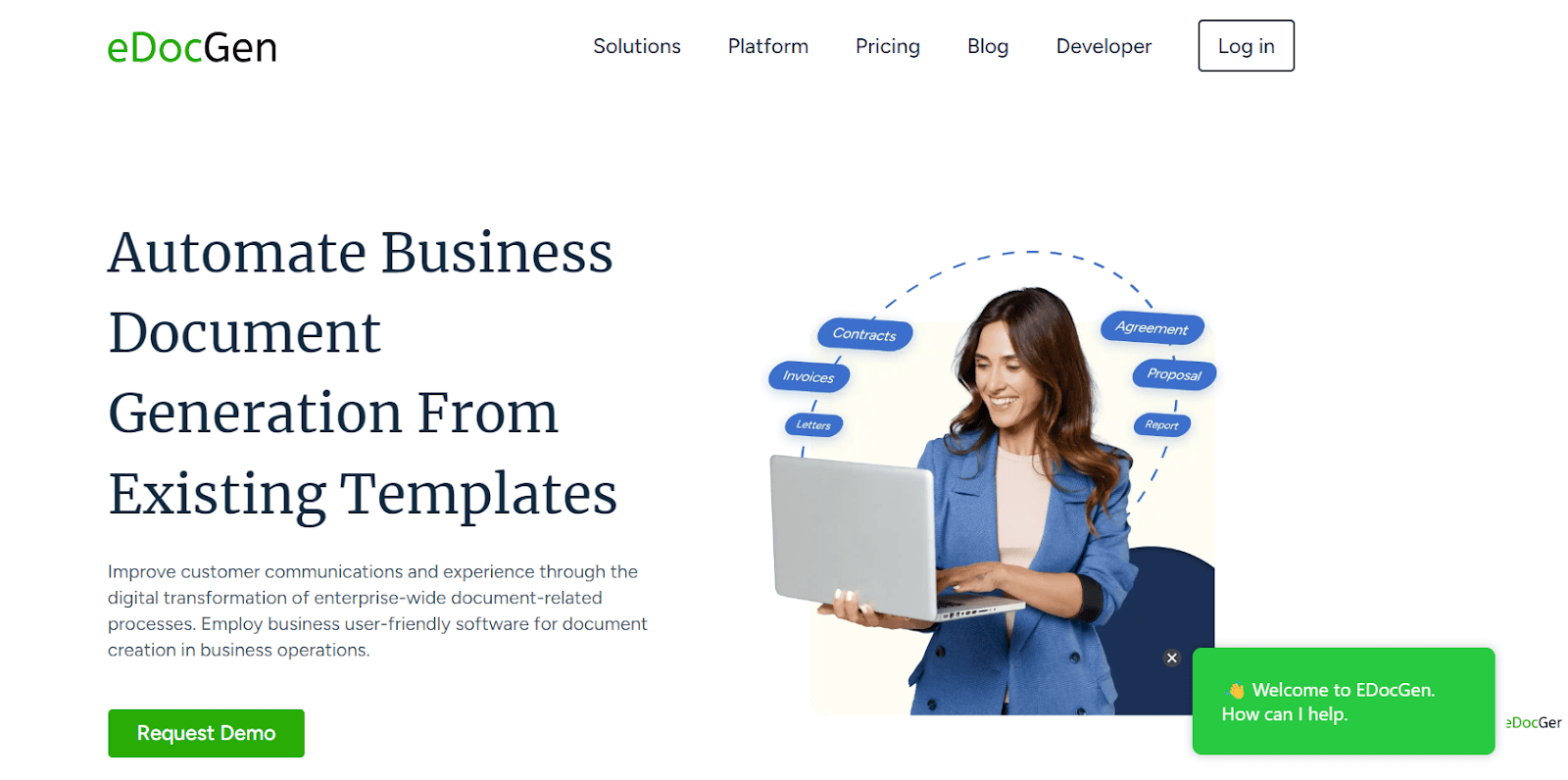
It is a powerful, cloud-based document automation platform designed for organizations of all sizes. It excels in handling complex document generation scenarios and is especially ideal for producing large volumes of documents in batches.
Key Features
-
Dynamic template creation with support for all document types
-
Comprehensive data integration via APIs with CRM, ERP, HRMS, and other enterprise systems
-
Advanced conditional logic supporting multi-template population and sequential data file processing
-
Flexible document generation methods, including on-demand, bulk, and interactive creation
-
Data population supporting text, tables, images, vertical and horizontal boxes, paragraphs, and reusable content blocks, HTML, etc.
-
Calculation capabilities using arithmetic operators for data processing
-
Seamless integration with e-signature tools and distribution channels
-
Multilingual capabilities for document generation, including French, German, Japanese, Spanish, and Arabic
Pros
-
Highly customizable to fit specific business needs
-
Scalable for businesses of all sizes
-
User-friendly interface reducing the need for IT intervention
-
Robust API for seamless integration with existing systems
-
Handles complex document scenarios with ease
Cons
-
May require initial setup time for complex templates
Pricing: Starts from $99 per month
Best For: Medium to large enterprises with complex document automation needs, especially those requiring high levels of customization and integration.
2. PandaDoc
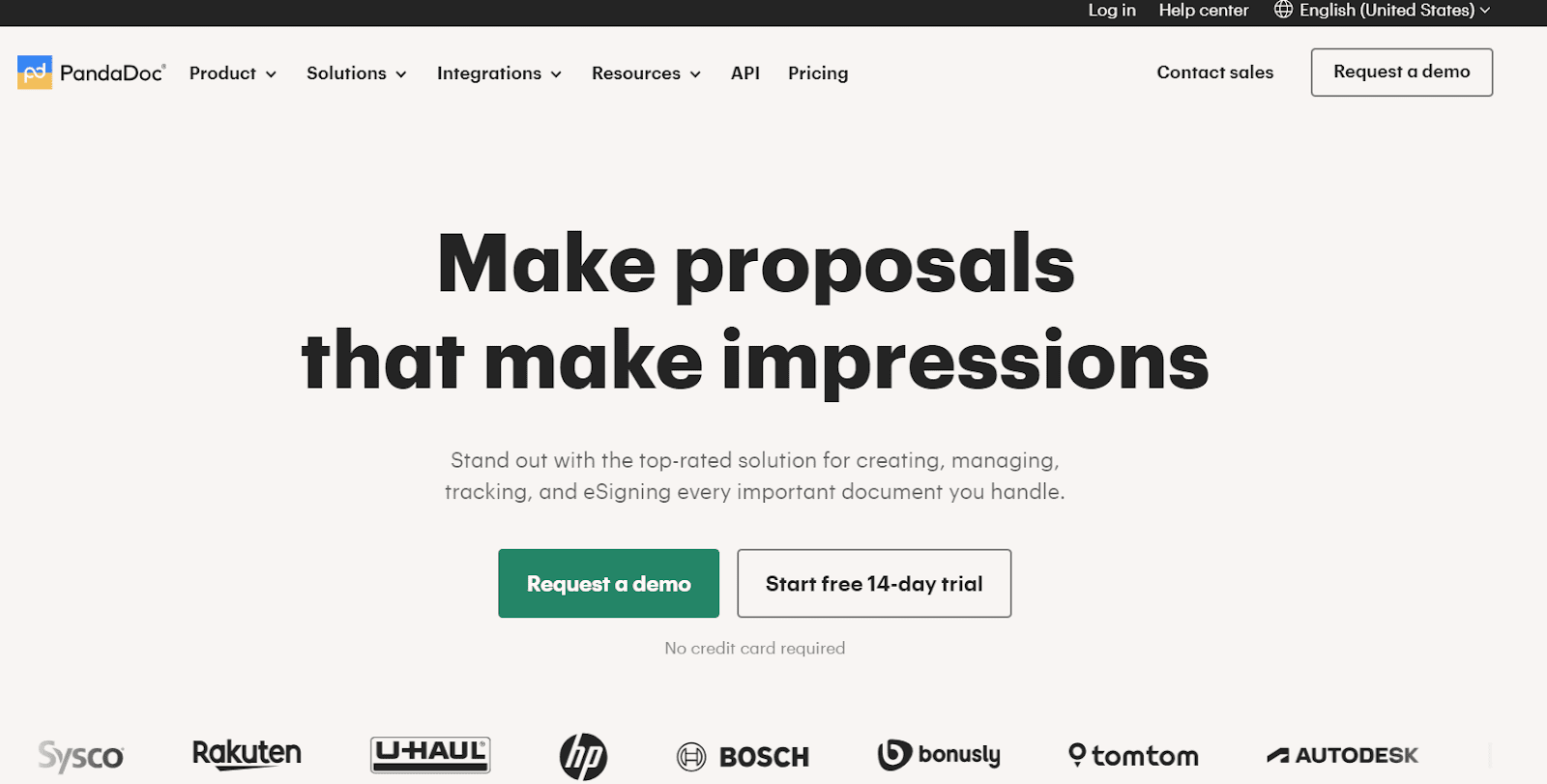
PandaDoc is a document workflow automation solution with a strong focus on sales processes. It's known for its ease of use and integration with popular CRM systems.
Key Features
-
Extensive template library with drag-and-drop editor
-
Content management system for reusable content blocks
-
Electronic signatures and payment collection
-
Analytics and reporting on document performance
-
Mobile app for on-the-go document management
Pros
-
Very user-friendly, especially for sales teams
-
Strong integration with CRM systems like Salesforce and HubSpot
-
Good for creating and tracking sales proposals and contracts
-
Competitive pricing for small to medium businesses
Cons
-
Limited customization for complex documents
-
May not be suitable for non-sales related document automation
-
Some users report occasional performance issues with large documents
Pricing
-
Free eSign plan
-
Essentials: $19/user/month
-
Business: $49/user/month
-
Enterprise: Custom pricing
Best For: Small to medium-sized businesses, especially those focused on sales document automation
3. HotDocs
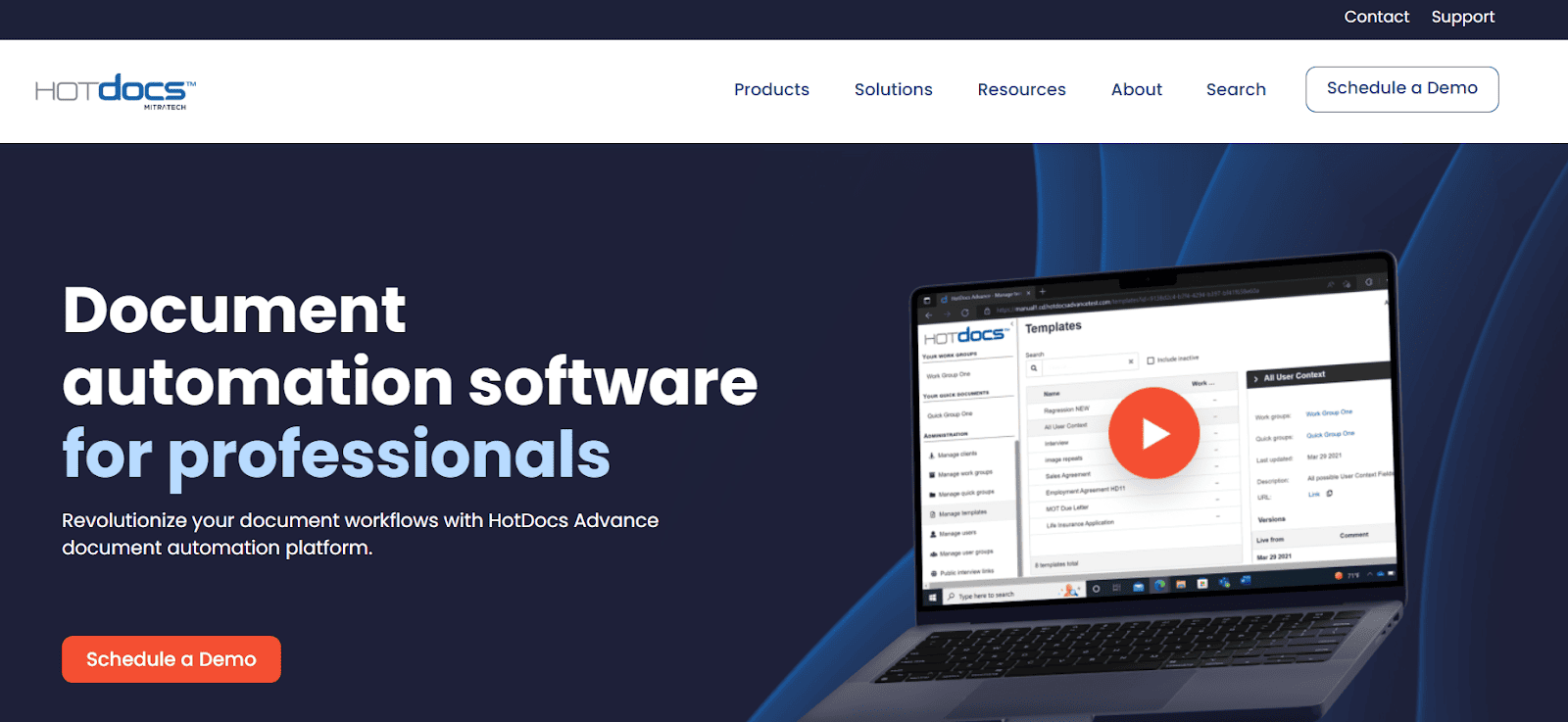
HotDocs is a document automation software with a strong focus on the legal and financial sectors. It's known for its powerful document assembly capabilities and ability to handle complex legal documents.
Key Features
-
Advanced document assembly with support for complex logic
-
Integration with practice management systems
-
Both cloud and on-premises deployment options
-
Version control and template management
-
Support for multiple languages and jurisdictions
Pros
-
Extremely powerful for complex legal and financial documents
-
Extensive customization options for document logic
-
Strong security features suitable for sensitive documents
-
Well-established with a large user base in the legal sector
Cons
-
Steep learning curve, especially for non-technical users
-
Can be expensive for small businesses
-
User interface is less modern compared to some competitors
Pricing: Custom pricing, typically enterprise-level
Best For: Large law firms, financial institutions, and enterprises with complex document needs
4. Experlogix
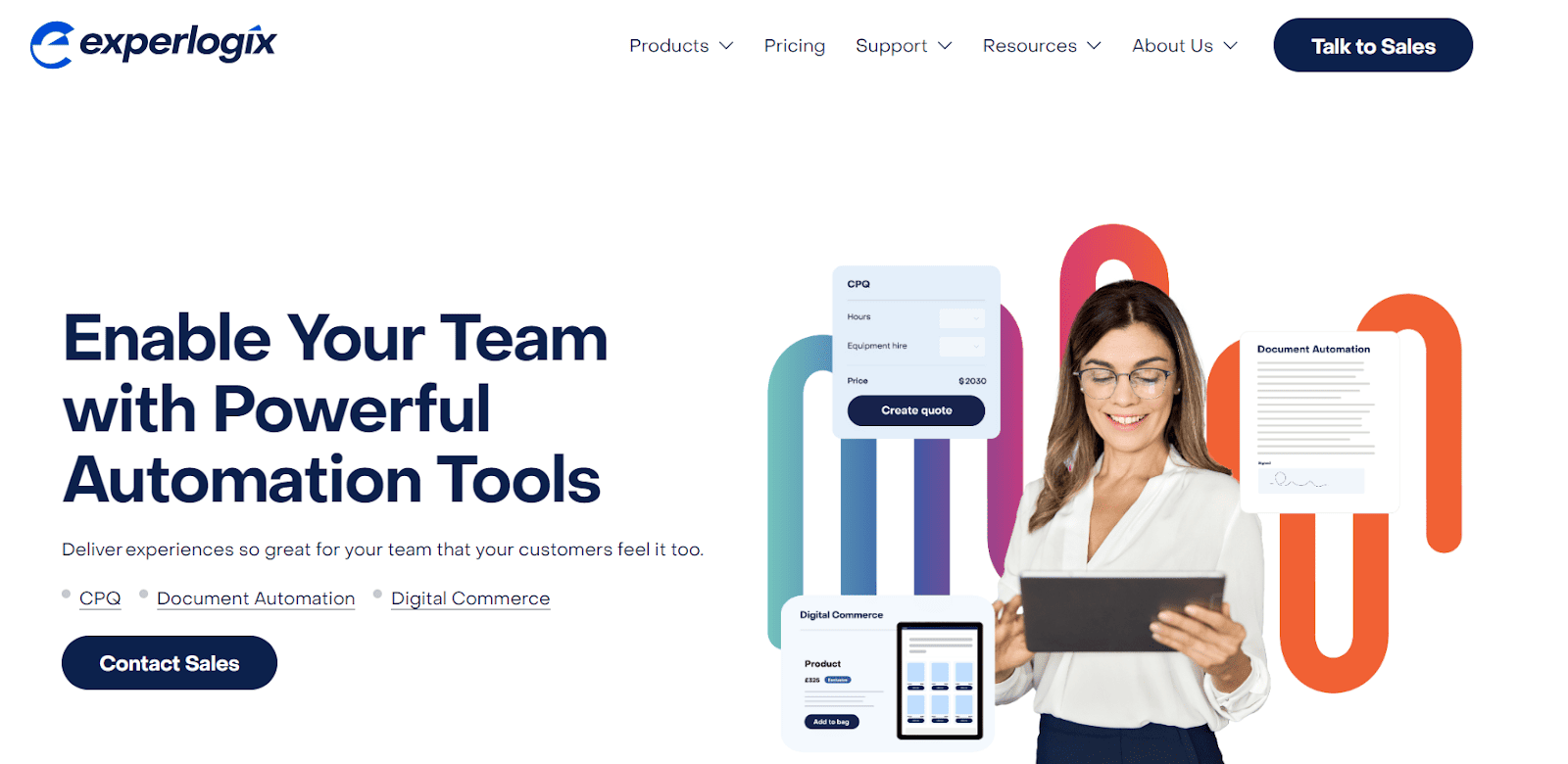
Experlogix is a document automation and CPQ (Configure, Price, Quote) solution, particularly strong in manufacturing and sales industries.
Key Features
-
Product configuration with complex rule handling
-
Pricing rules engine with support for discounts and promotions
-
Quote and proposal generation
-
Integration with Microsoft Dynamics and Salesforce
-
Visual workflow designer for quote processes
Pros
-
Excellent for businesses with complex product configurations
-
Strong integration with major CRM and ERP systems
-
Handles both simple and sophisticated pricing scenarios
-
Good for streamlining quote-to-cash processes
Cons
-
Primarily focused on manufacturing and sales industries
-
Can be complex to set up and configure
-
May be overkill for businesses with simple product offerings
Pricing: Custom pricing based on business requirements
Best For: Manufacturing companies and businesses with complex product configurations and pricing needs
5. Templafy
Templafy is a document creation and template management platform focused on maintaining brand consistency across large organizations.
Key Features
-
Centralized content and asset management
-
Dynamic template adaptation based on user context
-
Integration with office suites (Microsoft Office, Google Workspace)
-
Content delivery across devices and platforms
-
Advanced admin controls and user management
Pros
-
Excellent for maintaining brand consistency across large organizations
-
User-friendly interface with contextual content suggestions
-
Strong integration with existing office productivity tools
-
Good for companies with multiple brands or regions
Cons
-
May be overkill for small businesses or those with simple document needs
-
Focused more on template management than complex document generation
-
Some users report a learning curve for advanced features
Pricing: Custom pricing for enterprise solutions
Best For: Large enterprises with a strong focus on brand consistency and template management
6. Docmosis
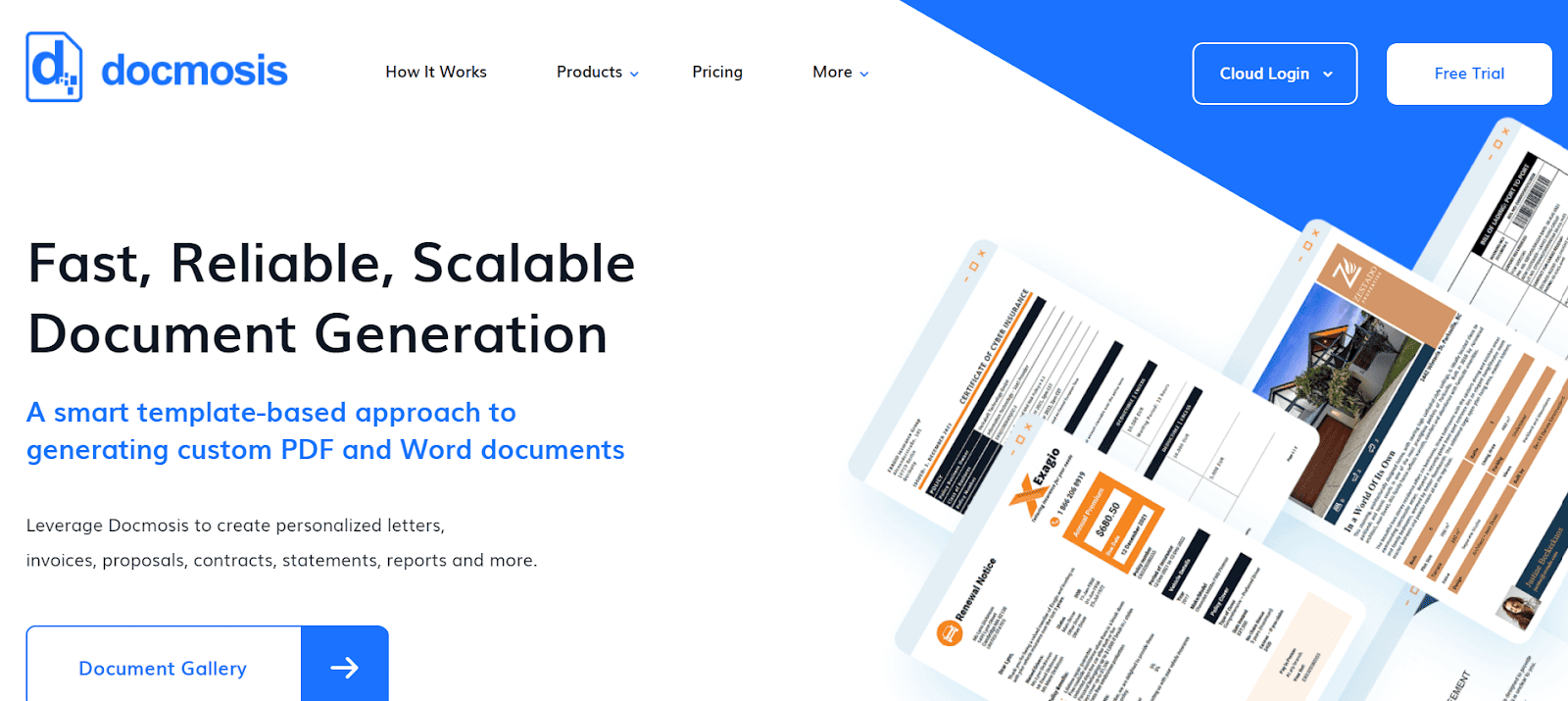
Docmosis is a document generation API designed for developers, offering flexible document creation capabilities for a variety of output formats.
Key Features
-
Support for multiple output formats (PDF, DOCX, HTML)
-
Data-driven document creation with complex template support
-
Both cloud and on-premises deployment options
-
RESTful API for easy integration
-
Support for images, charts, and tables in documents
Pros
-
Highly flexible for developers to integrate into existing applications
-
Supports complex document structures and data-driven content
-
Good performance for high-volume document generation
-
Competitive pricing based on document volume
Cons
-
Requires technical expertise to implement and use effectively
-
Limited built-in user interface for non-technical users
-
May require additional development for workflow and collaboration features
Pricing: Based on document volume, starts at $19/month for cloud version
Best For: Organizations with in-house development teams looking for a flexible document generation API
7. Windward Studios
Windward Studios offers a document automation solution with a focus on reporting and document generation for developers, known for its Microsoft Office-based template design.
Key Features
-
Microsoft Office-based template design (Word, Excel, PowerPoint)
-
Support for multiple data sources (SQL, XML, JSON, OData)
-
Programmatic document generation through various SDKs
-
Output in various formats (PDF, DOCX, XLSX, HTML, PPTX)
-
Scheduling and batch processing capabilities
Pros
-
Powerful template design capabilities using familiar Microsoft Office interface
-
Strong support for developers with various programming language SDKs
-
Good for businesses with diverse data source requirements
-
Suitable for both basic and complex document generation scenarios
Cons
-
Can be complex for non-technical users
-
Pricing can be high for small businesses or low-volume use cases
-
Some users report a steep learning curve for advanced features
Pricing: Custom pricing based on deployment type and volume
Best For: Organizations with technical users who need powerful document generation capabilities, especially those heavily invested in Microsoft Office ecosystem
FormStack Document Automation (formerly Webmerge) is a tool that integrates with various web forms and data collection platforms to automate document creation and routing.
Key Features
-
Integration with 100+ apps including Salesforce, DocuSign, and Zapier
-
Automated document routing and delivery
-
Electronic signature support
-
Conditional logic for dynamic document generation
-
API for custom integrations
Pros
-
Easy to use with existing web forms and data collection tools
-
Good for automating repetitive document processes
-
Wide range of integrations with popular business tools
-
User-friendly interface for setting up document workflows
Cons
-
Limited advanced features for very complex documents
-
May require multiple tools for a complete document management solution
-
Some users report occasional issues with more complex merge fields
Pricing
-
Starter: $56/month
-
Professional: $208/month
-
Enterprise: Custom pricing
Best For: Small to medium-sized businesses looking to automate document creation from web forms and other data sources
9. Conga
Conga offers a comprehensive suite for document and contract lifecycle management with strong ties to the Salesforce ecosystem.
Key Features
-
End-to-end contract lifecycle management
-
AI-powered contract analytics and insights
-
Document generation with complex data merging
-
E-signatures and negotiation tools
-
Integration with Salesforce and other CRM systems
Pros
-
Full-featured solution for enterprise needs
-
Strong Salesforce integration
-
Comprehensive capabilities from document creation to contract management
-
AI features for contract analysis and optimization
Cons
-
Can be complex to set up and use to its full potential
-
Pricing can be high for smaller organizations
-
Some users report a steep learning curve
Pricing: Custom pricing for enterprise solutions
Best For: Large enterprises, especially those heavily invested in the Salesforce ecosystem, looking for a comprehensive document and contract management solution
10. S-Docs
S-Docs is a native Salesforce document generation and e-signature app, designed specifically for organizations using Salesforce.
Key Features
-
Direct Salesforce object integration
-
Batch document generation
-
Workflow automation within Salesforce
-
E-signature capabilities
-
Template management with version control
Pros
-
Seamless Salesforce integration
-
No data leaves Salesforce platform, enhancing security
-
Good for Salesforce-centric organizations
-
Native Salesforce app with familiar interface for Salesforce users
Cons
-
Limited use outside of Salesforce ecosystem
-
May lack some advanced features found in standalone document automation tools
-
Customization may require Salesforce development skills
Pricing: Based on Salesforce org size and features, custom pricing
Best For: Organizations heavily invested in Salesforce looking for native document generation and e-signature capabilities
Embrace Document Automation for Business Success
While EDocGen stands out as a versatile and powerful option, offering robust features that cater to businesses of all sizes, the best choice for your organization will depend on your specific needs, existing systems, and business goals.
Here's a brief comparison of it with other top solutions:
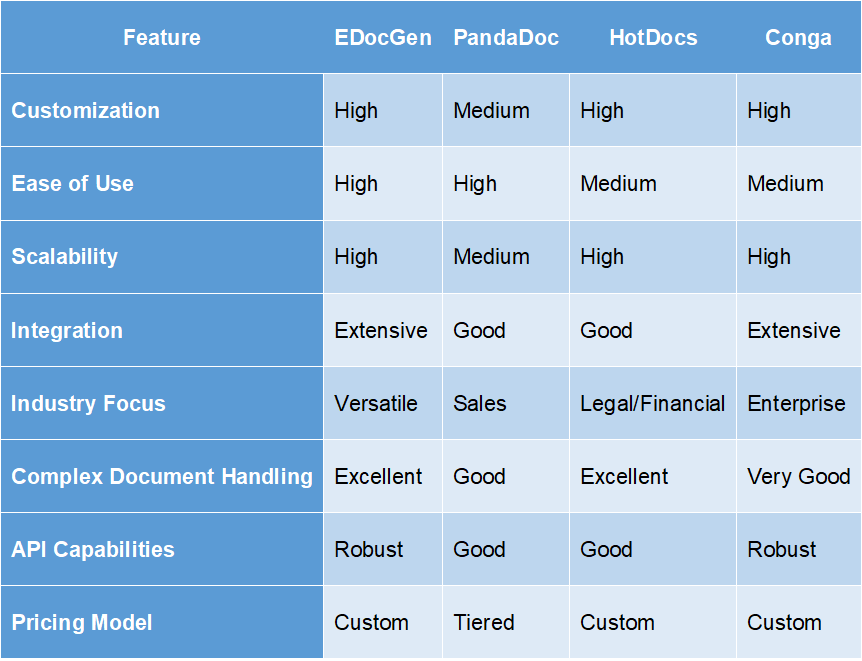
We encourage you to assess your current document processes and identify areas where automation could drive significant improvements. Consider the following steps to take your document automation journey forward:
Remember, successful implementation of document automation software is not just about choosing the right tool-it's also about effectively integrating it into your business processes and ensuring user adoption. With the right approach, document automation can be a game-changer for your organization, driving efficiency, accuracy, and growth.
Frequently Asked Questions
-
How secure is document automation software?
Document automation software typically employs robust security measures such as encryption, access controls, and compliance with industry standards. However, security levels can vary between providers. Look for solutions that offer features like data encryption, secure user authentication, and compliance with relevant regulations (e.g., GDPR, HIPAA).
-
How does document automation software support multiple languages in document generation?
Many document automation solutions offer multilingual support through features like Unicode character support, language-specific templates, and the ability to pull content from language-specific databases. Some advanced systems may also offer integration with translation services or AI-powered language processing capabilities.
-
What performance metrics or benchmarks are available to assess the scalability of document generation?
Common performance metrics include:
-
Documents generated per minute/hour
-
Response time for document creation requests
-
System stability under high load
-
Concurrent user capacity Look for case studies or ask vendors for specific benchmarks relevant to your expected document volumes and complexity.
-
Are there any limitations on the number of documents that can be generated in a given time frame?
Limitations can vary widely between solutions and often depend on factors such as:
-
The complexity of the documents
-
The hardware resources allocated to the system
-
The specific pricing tier or plan you're on Many enterprise-grade solutions offer high or unlimited document generation capacity, while others may have tiered limits. Always clarify these details with the vendor based on your specific needs.
-
How does the API facilitate data exchange between the document automation software and external applications?
Most document automation software provides APIs (usually RESTful) that allow for:
-
Sending data to populate document templates
-
Triggering document generation processes
-
Retrieving generated documents
-
Managing templates and workflows APIs
